
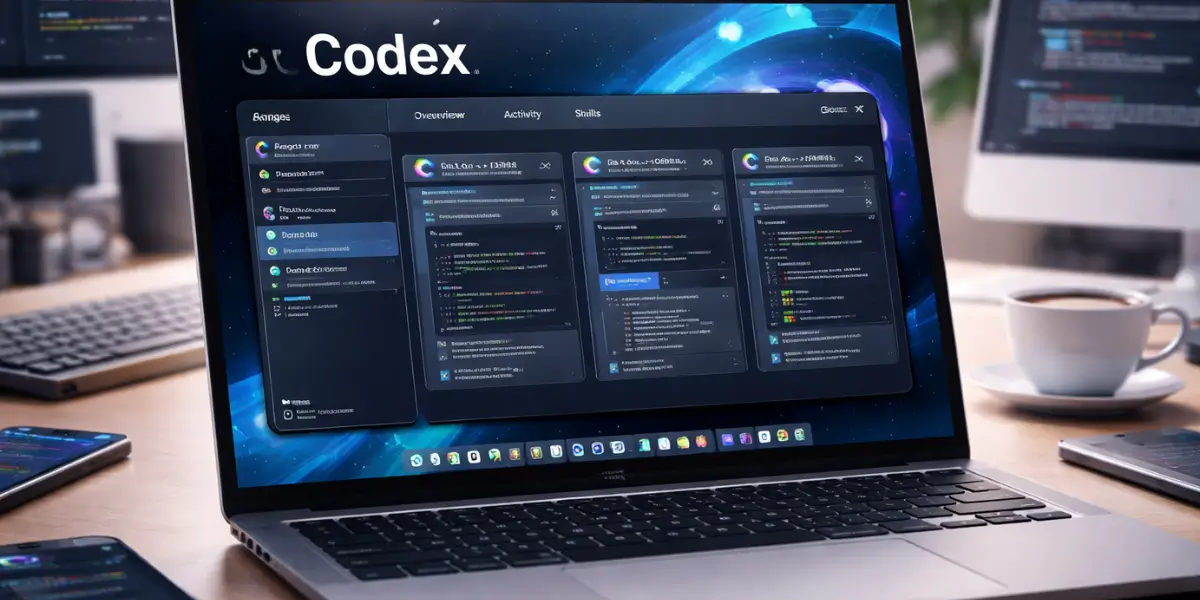
OpenAI has introduced a new Codex app for macOS, designed to help developers manage and supervise multiple AI coding agents in one place. The app aims to improve how developers work with AI by allowing tasks to run in parallel while keeping projects organized and secure.
- What the Codex App for macOS Is Designed to Do
- Managing Multiple AI Agents in Parallel
- Isolated Work Environments for Safer Development
- Integration With Existing Codex Tools
- Codex Skills Expand Beyond Code Generation
- Automations for Repetitive Development Tasks
- Two Interaction Styles for Different Work Preferences
- Security and Permission Controls Built In
- Availability and Access
- Future Plans: Windows Support and Improvements
- Why the Codex App Matters for Developers
- Frequently Asked Questions (FAQs)
- Conclusion
- You may like
The launch marks another step in OpenAI’s effort to make AI tools more practical for real-world software development. The Codex app focuses on coordination, visibility, and control, rather than just code generation. It is built to support longer and more complex development tasks that often require multiple steps and continuous monitoring.
What the Codex App for macOS Is Designed to Do
The OpenAI Codex app for macOS works as a central command center for AI coding agents. Instead of interacting with a single agent at a time, developers can now manage several agents at once. Each agent can be assigned a different task, allowing work to progress simultaneously.
This setup is useful for developers handling large codebases or multiple features. One agent can focus on fixing bugs, while another reviews documentation or prepares deployment scripts. Developers can switch between these tasks without losing context, making it easier to stay organized.
Each agent operates in its own workspace. This separation reduces the risk of conflicts when multiple agents are working on the same project or repository.
Managing Multiple AI Agents in Parallel
A key feature of the app is its ability to handle parallel workflows. Developers can start multiple tasks at the same time and monitor their progress from a single interface.
Long-running jobs, such as refactoring code or preparing deployment pipelines, can continue in the background. Developers can return to review results when the tasks are complete. This reduces the need for constant manual supervision and allows developers to focus on decision-making rather than repetitive actions.
The app keeps a clear record of what each agent has done, helping users understand changes and maintain control over the development process.
Isolated Work Environments for Safer Development
The Codex app includes built-in support for isolated work environments. Each agent works independently, allowing developers to explore different solutions without affecting the main project.
This feature is especially useful when testing alternative approaches or experimenting with new ideas. Developers can compare results, review changes, and decide which solution to keep.
Changes made by agents can be reviewed directly inside the app. If needed, developers can also open the work in their preferred code editor for manual adjustments before merging it into the main codebase.
Integration With Existing Codex Tools
The new app is designed to work smoothly with existing Codex tools. It syncs with Codex sessions that developers may already be running from the command line or through IDE extensions.
This means current users do not need to change their workflows. They can move between the command line, editor tools, and the macOS app without losing progress or context.
The goal is to provide flexibility while keeping everything connected, reducing friction for teams already using Codex.
Codex Skills Expand Beyond Code Generation
Codex has evolved beyond basic code writing through the introduction of skills. Skills are bundles of instructions, tools, and scripts that allow agents to complete more complex tasks.
With skills, Codex agents can handle work such as:
- Gathering and organizing information
- Generating images
- Managing projects
- Deploying applications to cloud platforms
- Creating professional documents
Developers can also create custom skills tailored to their workflows. These custom skills can be shared within teams, helping standardize processes and reduce repeated manual work
Automations for Repetitive Development Tasks
The Codex app introduces Automations, allowing agents to run scheduled tasks in the background. These automations are designed to handle repetitive or routine work that often takes up developer time.
Examples include:
- Tracking bugs
- Generating release summaries
- Running system checks
Results from automations are sent to a review queue, where developers can approve or adjust the output before taking further action. This approach keeps humans in control while reducing manual effort.
Two Interaction Styles for Different Work Preferences
To support different working styles, Codex now offers two interaction personalities:
- A concise, task-focused mode for users who prefer short and direct instructions
- A conversational mode for users who prefer more detailed explanations
Switching between these styles does not change the system’s capabilities. It only affects how information is presented, allowing developers to work in a way that feels more natural to them.
Security and Permission Controls Built In
Security is a core part of the Codex app’s design. By default, Codex agents have limited access to files and system commands. Actions that require higher system access need explicit permission from the user.
Teams can also configure rules that allow trusted commands to run automatically. This helps balance productivity with safety, especially in professional and enterprise environments.
These controls are meant to reduce risks while still allowing automation where it is appropriate.
Availability and Access
The OpenAI Codex app for macOS is available starting today for users with:
- ChatGPT Plus
- Pro
- Business
- Enterprise
- Edu subscriptions
For a limited time, users on ChatGPT Free and Go plans will also have access. OpenAI has temporarily increased usage limits across paid plans during the launch period.
This approach allows a wider group of users to try the app while OpenAI gathers feedback and improves performance.
Future Plans: Windows Support and Improvements
OpenAI has confirmed plans to bring the Codex app to Windows in the future. The company also plans to continue improving:
- Multi-agent workflows
- Automation capabilities
- Performance speed
According to OpenAI, the goal of Codex is to make advanced AI capabilities easier to direct, supervise, and apply to real-world development work. The macOS app is part of that broader effort.
Why the Codex App Matters for Developers
The launch of the Codex app reflects a shift in how AI tools are being used in software development. Instead of acting as a single assistant, Codex now works as a coordinated system of agents that can handle multiple tasks at once.
By focusing on structure, control, and security, OpenAI is positioning Codex as a practical tool for professional development environments rather than just experimentation.
Frequently Asked Questions (FAQs)
What is the OpenAI Codex app for macOS?
It is a macOS application that allows developers to manage multiple AI coding agents, run tasks in parallel, and supervise long-running development work.
Can Codex agents work at the same time?
Yes. The app is designed to run multiple agents in parallel, each in its own workspace.
Does the app replace existing Codex tools?
No. It integrates with existing Codex sessions from the command line and IDE extensions.
What are Codex skills?
Skills are bundles of instructions, tools, and scripts that allow agents to perform complex tasks beyond code generation.
Is the Codex app secure?
Yes. Agents have limited access by default, and higher-risk actions require permission. Teams can also set custom rules.
Will the Codex app be available on Windows?
OpenAI has confirmed that a Windows version is planned for the future.
Conclusion
The release of the OpenAI Codex app for macOS introduces a more structured and controlled way for developers to work with AI coding agents. By supporting multiple agents, isolated environments, automations, and strong security controls, the app aims to fit into real development workflows without adding complexity.
As OpenAI continues to expand Codex’s capabilities and platforms, the app represents a step toward making AI a more practical and manageable part of everyday software development.